Using the web based mobile keypad
The web-based keypad can be used in situations where you have internet available and don't want your players to download the Smart Buzzer app. Players can simply join the quiz with a standard web browser by taking the following steps:
-
In Quiz Setup on the mobile tab, you indicated which server is used. For example www.buzzerpad.com
-
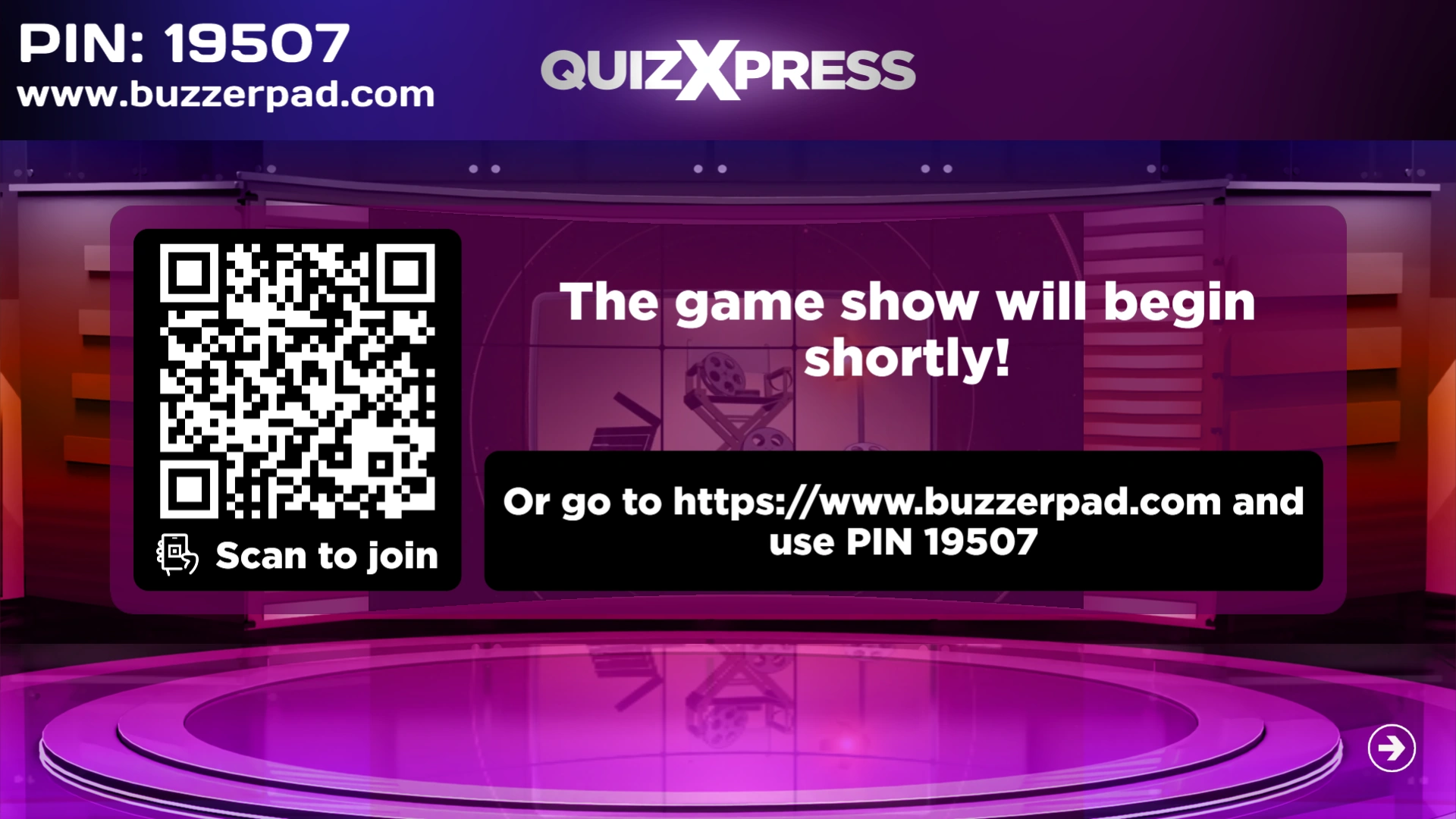
The server's name as well as a 5-digit PIN is shown on screen in QuizXpress Live!
-
Players manually navigate to www.buzzerpad.com and enter the pin code shown as well as a their player name
-
Alternatively, press ‘Q’ when a quiz is launched to show a QR code on screen that players can scan. Scanning the code takes them to the buzzerpad website automatically and fills in the PIN code for them; they only need to enter a unique player name.
- Press GO on the phone to connect to the quiz.
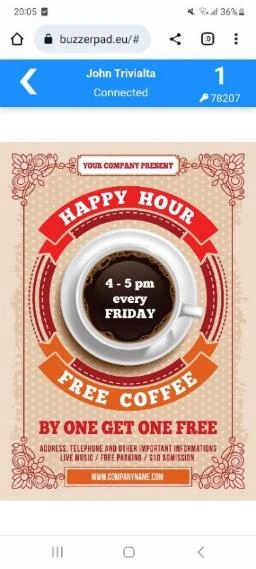
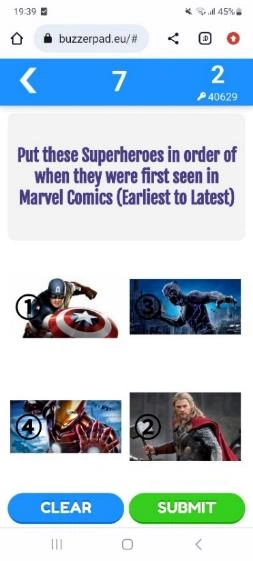
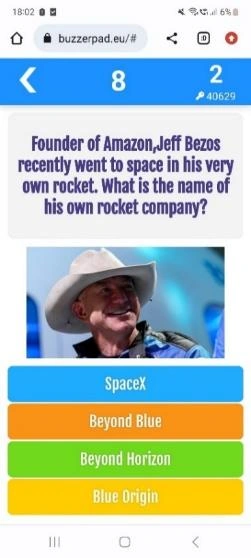
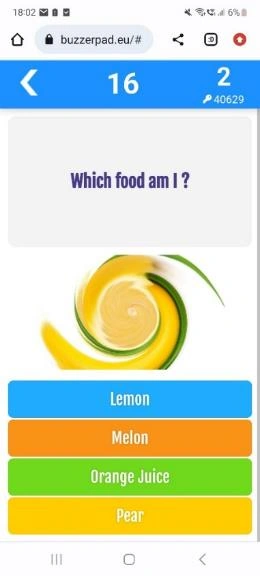
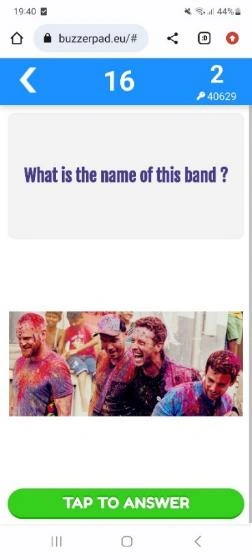
Some screens from the web buzzer:
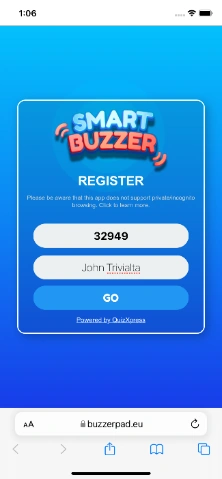 |
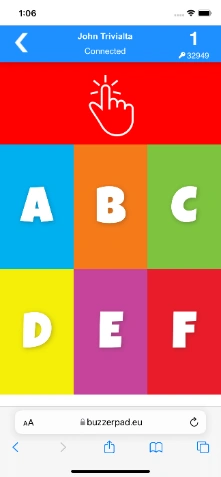 |
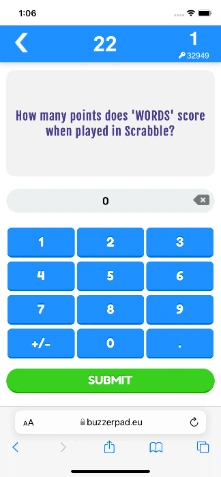 |
|---|---|---|
| Buzzerpad login screen | Simple web keypad | Numeric question |
 |
 |
 |
| Show a promo | Ordered question | Picture question |
 |
 |
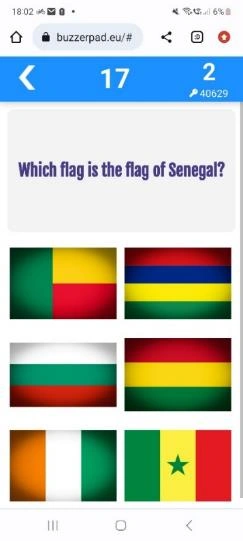 |
| Picture effect | Text question with picture | Multiple choice question with pictures |
On the top right side of the keypad, the ID of the keypad is shown. Below the ID, the PIN code of the quiz is shown. Currently, two servers are available: one in Western Europe (buzzerpad.eu) and one in Central US (buzzerpad.com). We recommend using the server nearest to your location/time zone for speed and server maintenance windows. You can configure which server to use in Quiz Setup, on the Mobile tab.
Note
we offer a service to host the app on your private custom domain with your own company’s branding. Please contact us for more information.*