Clock and slideshow module
This module can show a digital (countdown) clock, a picture slideshow with cool transition effects, or a mix of both.
Configuration options:
 |
 |
 |
|---|---|---|
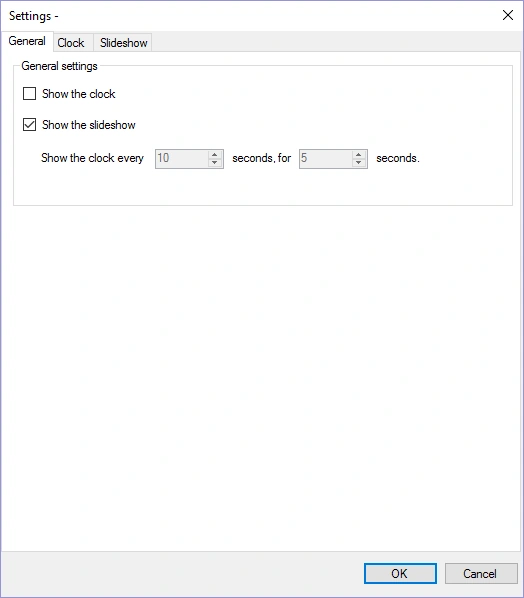
On the first page, you can configure whether to show the clock, the slideshow, or both (in which case the clock is shown at a configurable interval for a set amount of time)
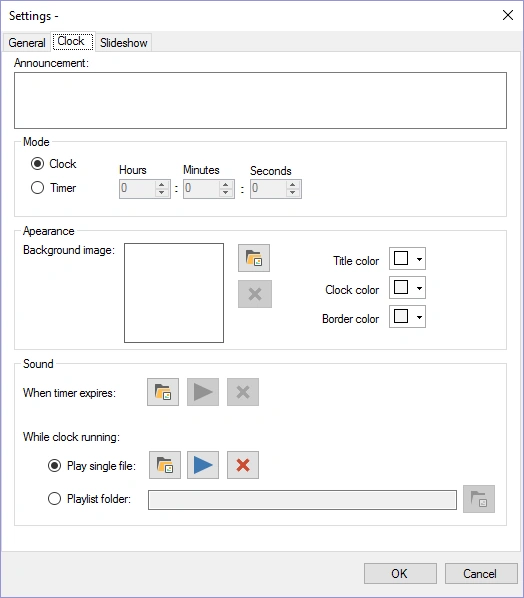
For the clock you can configure the following options:
-
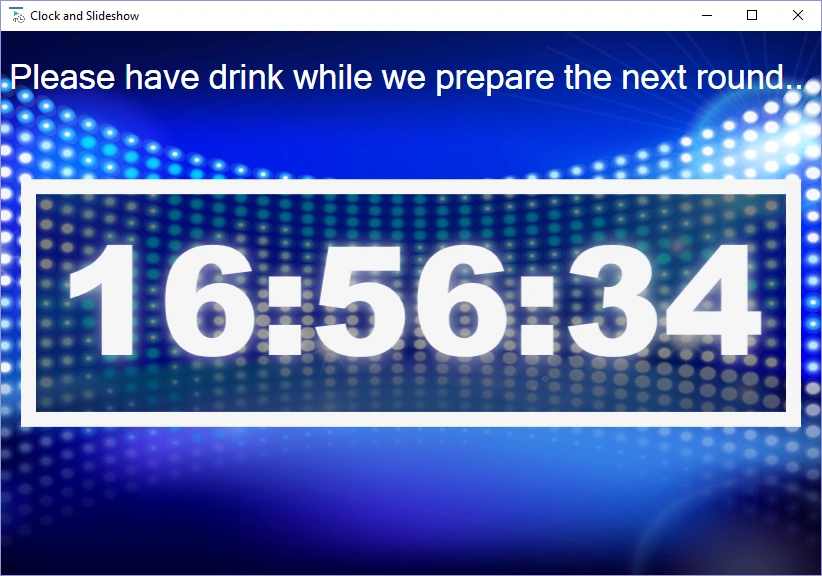
Announcement: text which is displayed on screen above the clock
-
Mode – Clock: the time is shown on screen
-
Mode – Timer: a timer counts down from the specified time to 00:00:00
-
Background Image: image which is shown in the background
-
Timer expires sound: played when the timer expires
-
Clock ticking sound: played while the clock is ticking or,
-
A playlist folder: the folder from which the module randomly plays MP3 files while the clock is ticking. (Note that when using the clock embedded in the quiz, this folder must also exist on the PC where you run your quiz.)
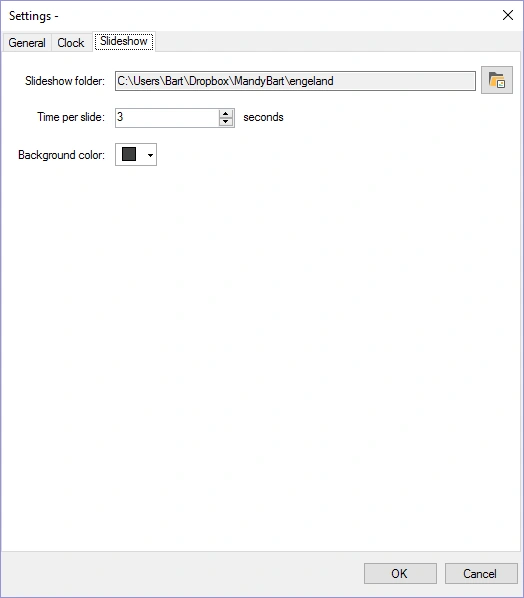
On the last page, you can configure the slideshow by selecting a folder from which pictures are drawn, along with timing information.
Below is a picture of the clock in action (default settings).